
Sword x Staff
Updated
Current Version
1.0.0
Offered By

With your passion for Sword x Staff, you shouldn’t have to limit yourself to the small screen of a phone. Play like a pro and take full control of the game using a keyboard and mouse. MEmu gives you everything you’re looking for. Download and play Sword x Staff on PC. Play as long as you want — no more worries about battery life, mobile data, or unexpected calls. The all-new MEmu 9 is the best way to play Sword x Staff on PC. With our expertly designed keymapping system, Sword x Staff feels just like a real PC game. The MEmu multi-instance manager lets you run two or more accounts on the same device at the same time. Most importantly, our exclusive emulation engine unlocks your PC’s full potential, delivering smooth and seamless performance.
Show more
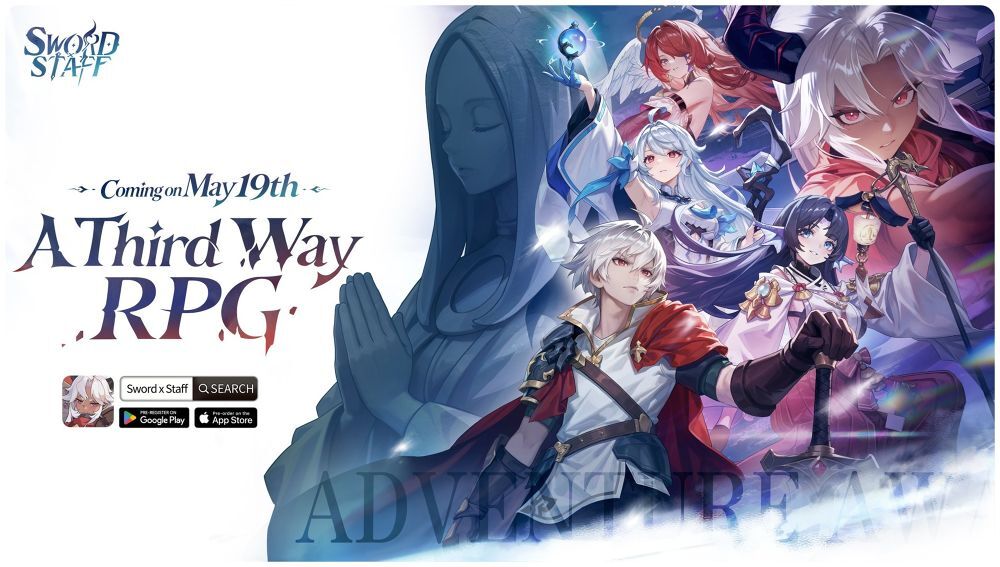
Download Sword x Staff on PC with MEmu Android Emulator. Enjoy playing on big screen. Sword x Staff is a one-of-a-kind RPG — a “Third Way RPG.


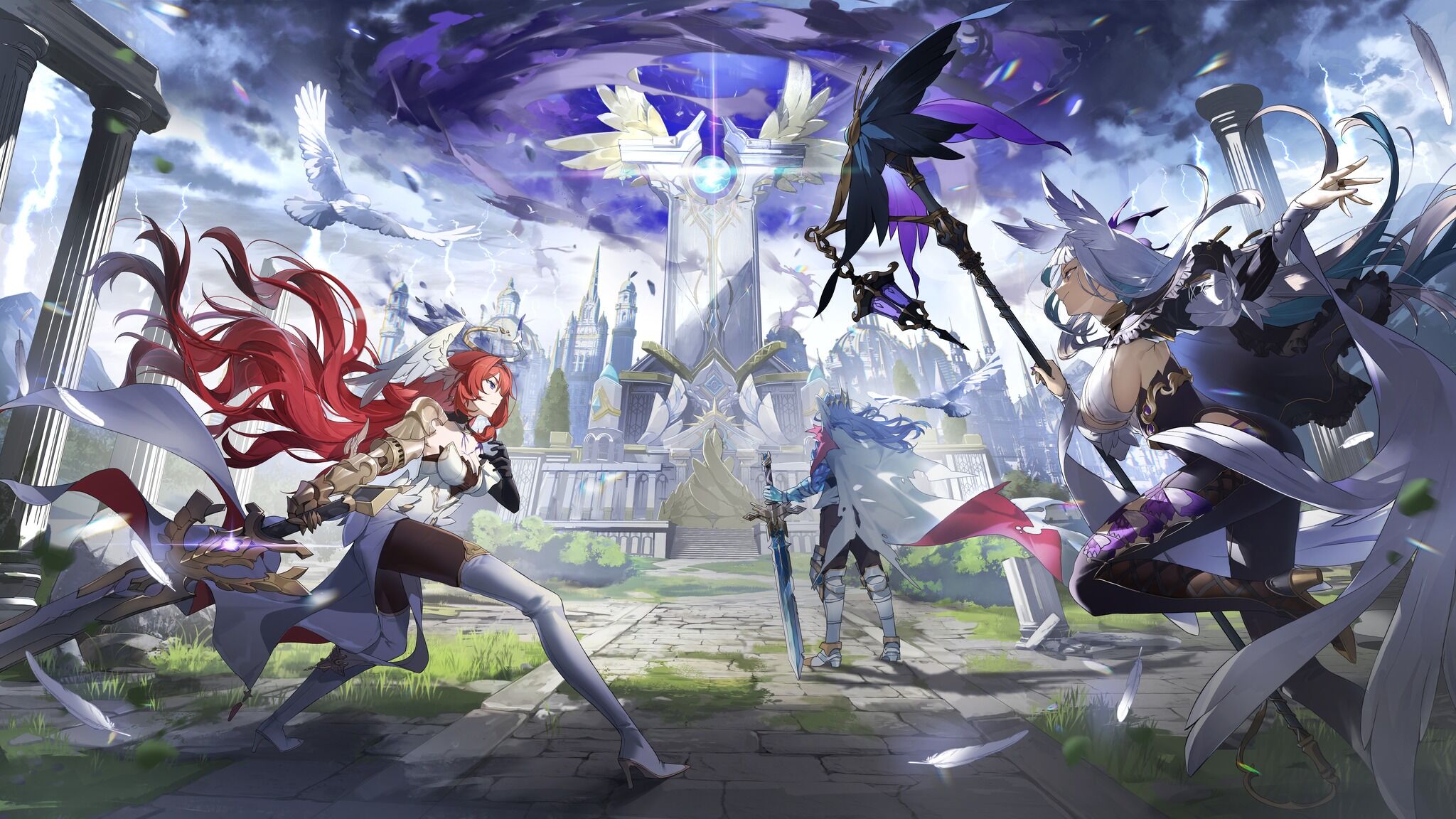
Sword x Staff is a one-of-a-kind RPG — a “Third Way RPG.”
Strategy, massive world exploration, idle—why pick one when you can have it all?
Go hardcore, or just vibe—either way, you’ll find your own kind of fun here. The kind that actually feels different.
No pressure, no one way to play—just jump in, explore, and let the adventure click your way.
Curious what the gameplay is really like?
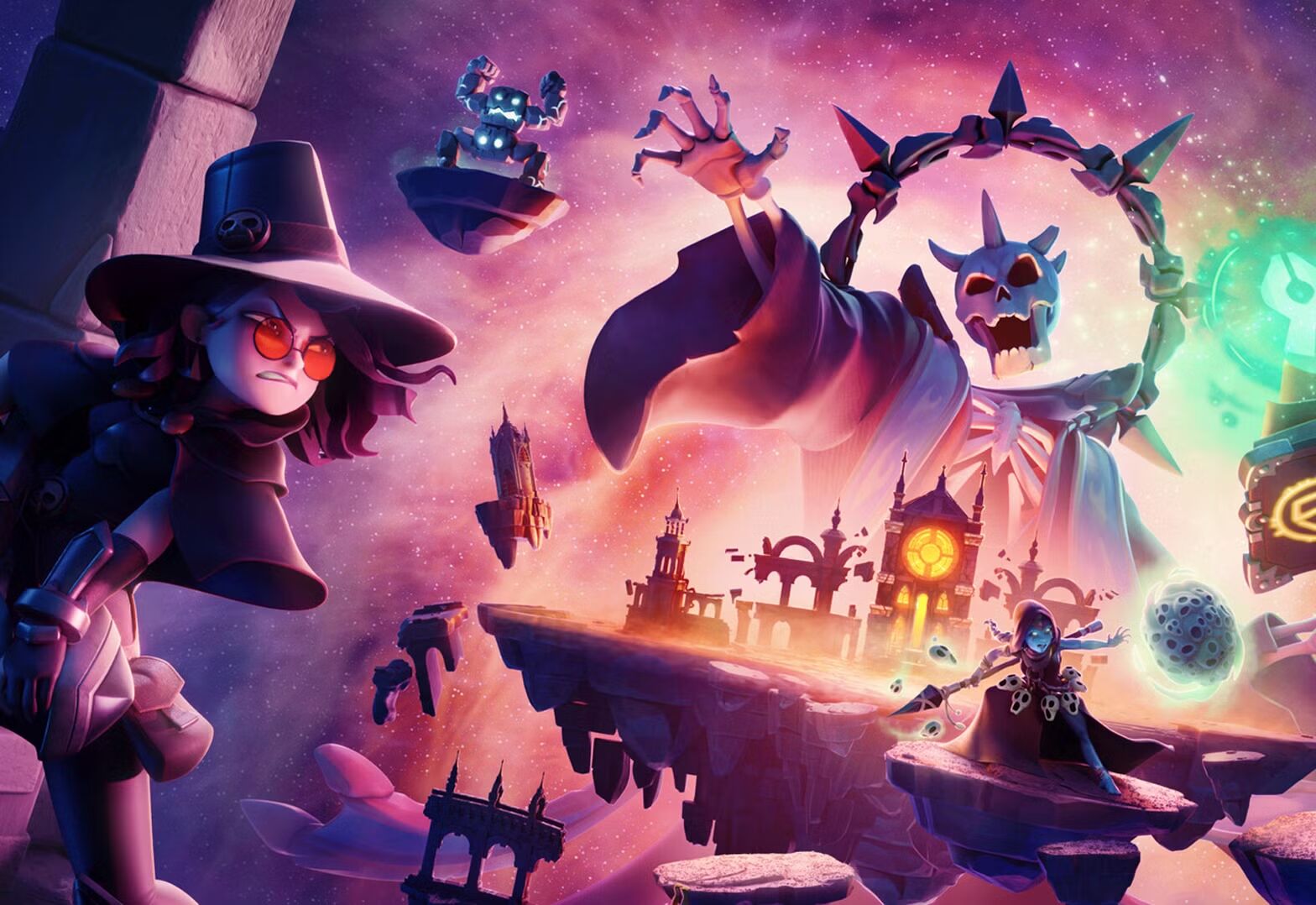
So, welcome to the unique world of Kanstein, and experience the one-of-a-kind Third Way adventure. Here, you are the Chosen Adventurer transported to this isekai! Team up with the Staff and Sword Twins and dive into a quest to save the world. Pierce through thick fog, dig up forgotten treasures, and explore a huge interactive world at your own pace. Mix and match over 200 skills to create a fighting style that’s uniquely yours. Best of all, you’ll meet amazing allies to fight by your side against legendary Hieromons! Of course—Remember, all of this can be enjoyed completely pressure-free, since the idle gameplay making resource gathering a breeze!
[Idle Game, but with a massive interactive world]
Most idle games have you waiting. Sword x Staff lets you actually go somewhere.
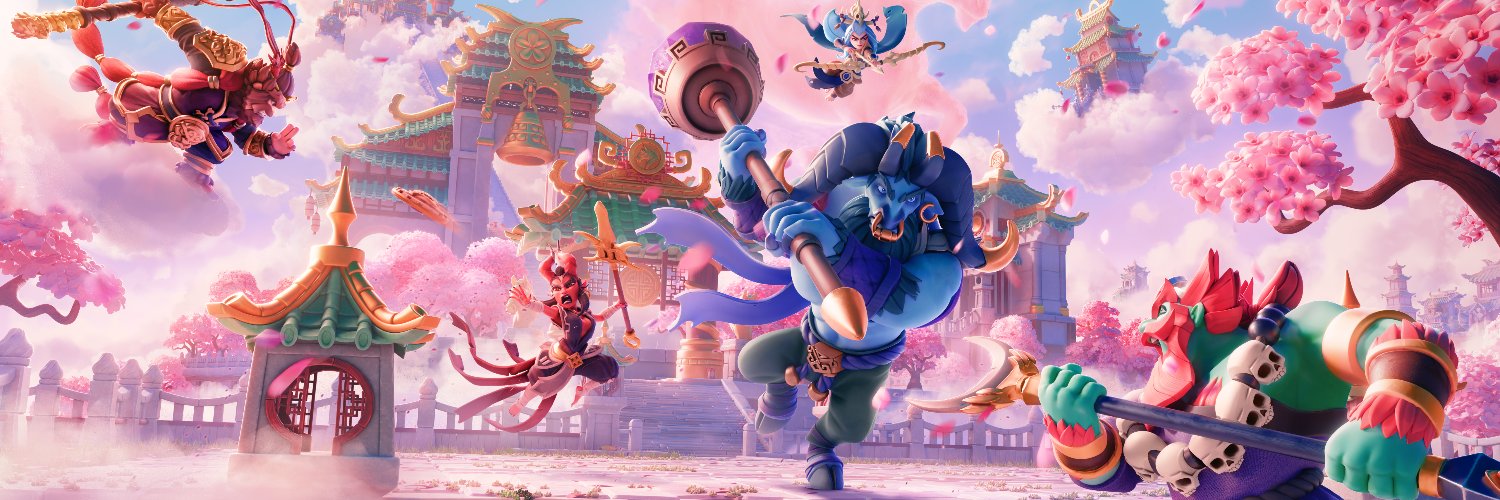
Step into a huge world map where every region has its own vibe and secrets to uncover. Roam the lush wilds of Verdantglade, face the clash of steel and instinct in Cinder Ridge, drift through the mist-shrouded waters of Aqualis, and uncover the ancient bronze ruins hidden within Loong Haven.
Every region brings new sights, companions, treasures, and those "just one more look" moments. And even when you're offline, your adventure doesn't stop. Resources keep piling up while you rest, and the Traveling Merchant shows up with rare goods while you're away. Log back in, cash out, and keep going.
[Deep strategy, but easy to jump in]
Strategy is fun because of freedom, not because it needs a spreadsheet.
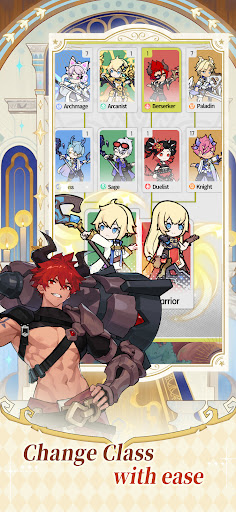
Everything starts with the classic Warrior & Mage dual-class system, branching into 200+ skill combinations and playstyles. Mix skills, change cast order, swap elemental builds, and fine-tune your setup however you like.
No fixed meta. No single "right" answer. Just true variety and real flexibility, and plenty of room to experiment.
Keep it casual, or go full theorycraft mode. How deep you go is completely up to you.
[Progress Without the Grind]
Power up without the endless farming. Even while you're offline, resources stack up, characters grow stronger, and progression keeps moving.
Lie back, rest up, and wake up stronger! Watch clouds drift across the Floating Islands, stargaze from your cozy cabin, hunt for hidden treasure, or level up while doing absolutely nothing heroic for a minute.
Easy progress, low stress, steady rewards—that's what we call relaxed, efficient progression
[Auto-Battles Are Easy, But Never Boring]
Tired of idle games where heroes just stand still? Here, AI-driven characters adapt to the battlefield—repositioning, predicting enemies, chasing targets, and unleashing ultimate skills. Auto-battles aren’t boring—they’re tactical, flashy, and full of epic combos.
[Unique avatars, without looking the same]
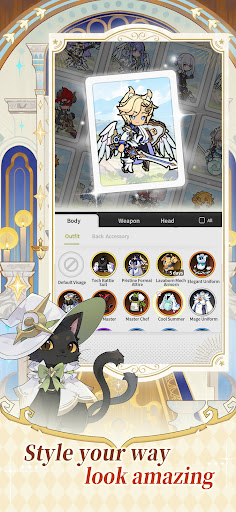
Your avatar is yours, full stop. Go bold with wild hairstyles, unusual features, standout looks, or choices that are a little chaotic in the best way. Make something cool, weird, stylish, hilarious—or all four at once! No "same face, different outfit." Make it 100% original. Walk into town and stand out. In Kanstein, being unforgettable is part of the fun.
Show more

1. Download MEmu installer and finish the setup

2. Start MEmu then open Google Play on the desktop

3. Search Sword x Staff in Google Play
Install
4. Download and Install Sword x Staff
5. On install completion click the icon to start

6. Enjoy playing Sword x Staff on PC with MEmu
MEmu Play is the best Android emulator and 100 million people already enjoy its superb Android gaming experience. The MEmu virtualization technology empowers you to play thousands of Android games smoothly on your PC, even the most graphic-intensive ones.
Bigger screen with better graphics; Long duration, without limitation of battery or mobile data.
Full Keymapping support for precise control of keyboard and mouse or gamepad.
Multiple game accounts or tasks on single PC at one time with Multi-Instance manager.
Play Sword x Staff on PC by following steps:
































































![PUBG mobile update [Mar.2020] PC](https://www.memuplay.com/blog/wp-content/uploads/2019/11/121-1.jpg)




























































![[Game Reviews] Mobile Legends: Bang bang PC](http://www.memuplay.com/blog/wp-content/uploads/2016/11/bangbang-3-small.png)